
Opening an online store is not hard, but doing things in the wrong order wastes time. Follow this checklist from top to bottom and your store can be ready to sell by the evening.
Before you start
Keep these ready: your logo (a square PNG works best), 5–10 product photos, your prices, and the bKash or bank details you want to use for payments.
The checklist
- Create your account and your store. Pick a short store name that is easy to spell — shoppers will type it and share it.
- Add your logo and favicon. They appear in the header, on the browser tab and on invoices, so upload them first.
- Choose a theme. Start with the default theme. You can switch later without losing products or orders.
- Create two or three categories. Fewer, clear categories (for example Sharee, Three-piece, Kurti) help shoppers more than twenty half-empty ones.
- Add your first products. Give each one a clear title, a price, stock, and at least three photos. If a product comes in sizes or colours, add them as options instead of separate products.
- Set delivery charges. Add one charge for inside Dhaka and one for outside Dhaka. You can refine zones later.
- Turn on payment methods. Cash on Delivery is on for most new stores. Add bKash or SSLCommerz when you are ready to take online payments.
- Write your policy pages. Delivery time, return and refund rules, and a contact number. Shoppers read these before their first order.
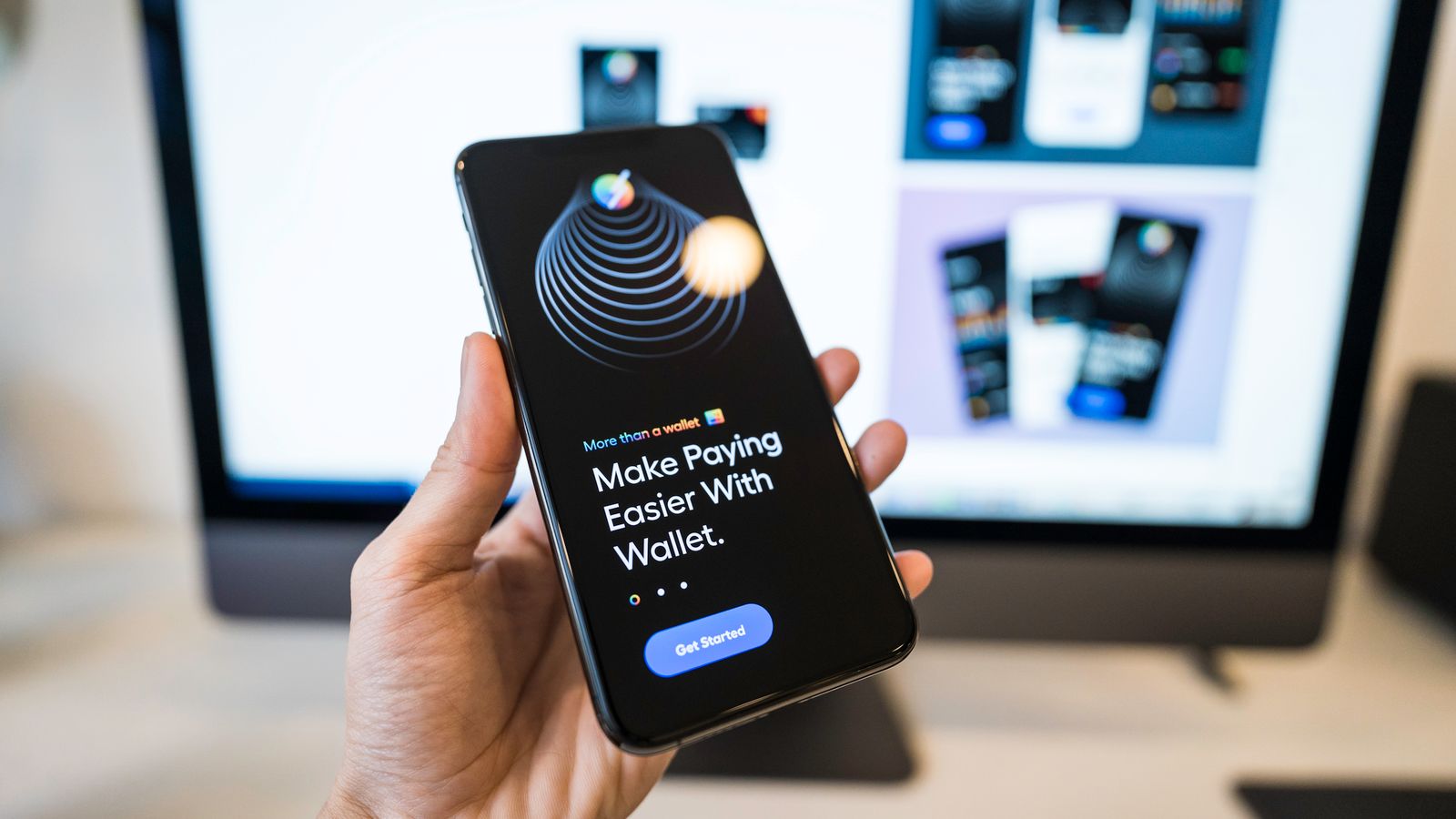
- Place a test order. Order something from your own store on your phone, the way a customer would. Check the confirmation, the order in your admin, and the delivery charge.
- Share your link. Post it on your Facebook page, pin it to the top, and put it in your WhatsApp and Instagram bio.
After launch
- Check new orders at least twice a day and confirm them quickly.
- Turn on order notifications (email, SMS or Telegram) so you never miss one.
- Add two or three new products every week — returning visitors notice.
Done is better than perfect. Launch with ten good products and improve every week.