How your customers pay decides how many orders you get — and how many come back unpaid. Most successful stores in Bangladesh offer more than one way to pay.
Cash on Delivery (COD)
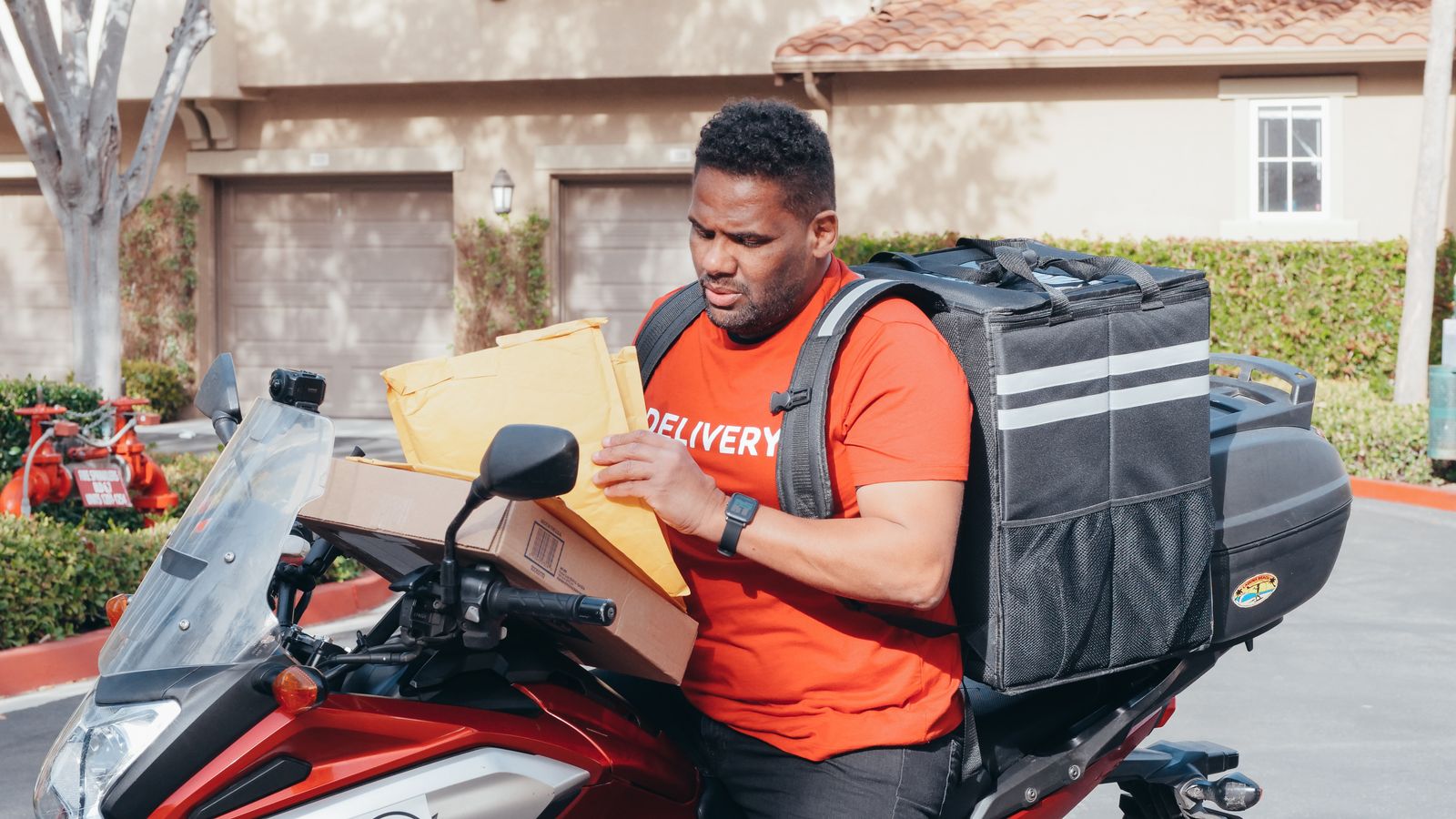
The shopper pays the delivery rider. It is still the most trusted option for first-time buyers.
- Good for: new customers, low-price products, shoppers outside big cities.
- Watch out for: refused parcels. You pay the delivery charge both ways when an order is returned.
bKash
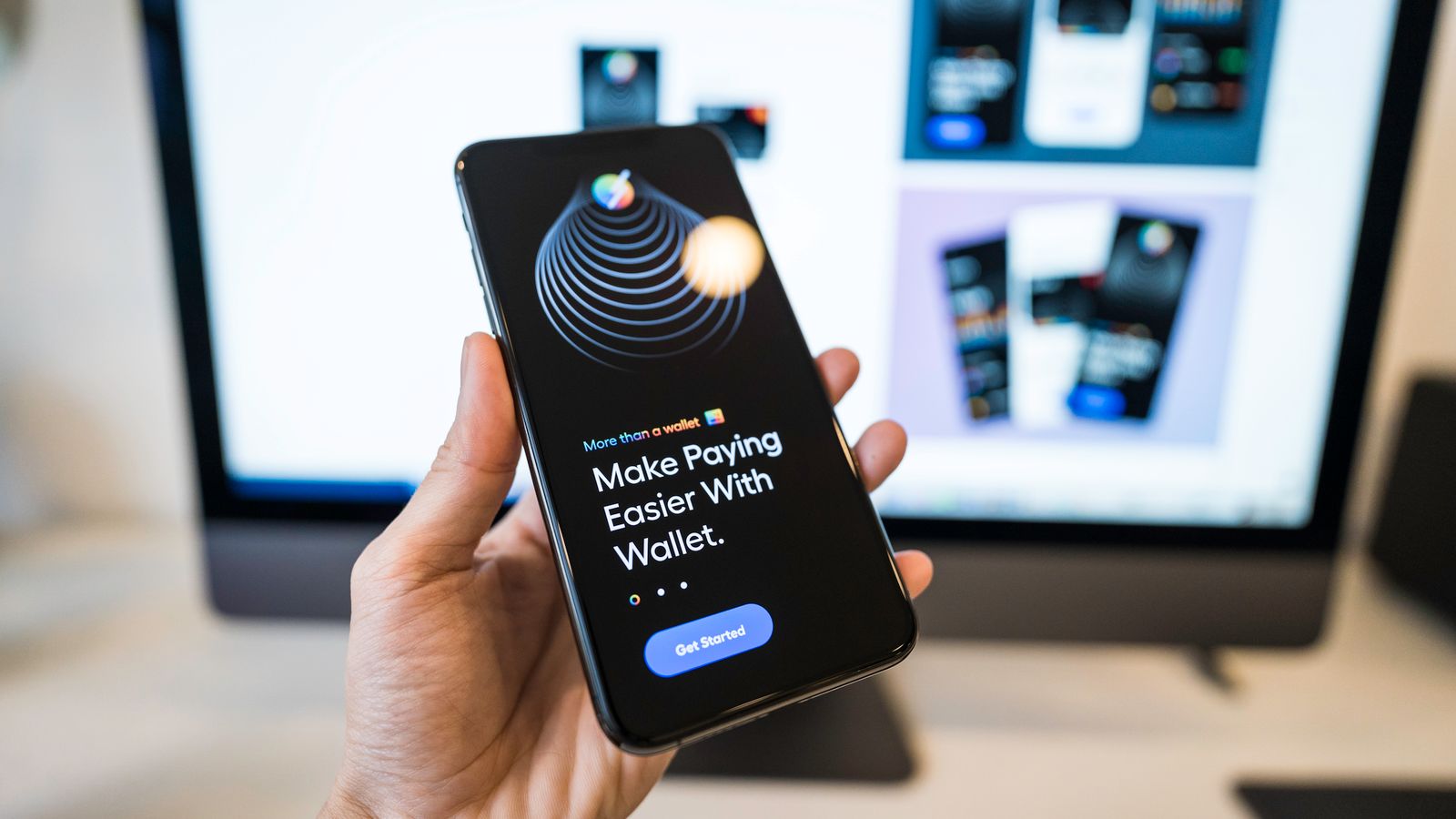
Shoppers pay from their bKash account during checkout and the order is marked paid automatically.
- Good for: repeat customers and younger shoppers who pay with mobile money every day.
- Tip: mention "bKash accepted" on your product pages and Facebook posts — it builds confidence.
SSLCommerz
One gateway for cards, mobile banking (MFS) and internet banking. The shopper picks the method on a secure payment page and comes back to your store.
- Good for: higher-value orders and shoppers who pay with Visa, Mastercard or Amex.
Advance payment: the middle path
Many stores ask for part of the price in advance (for example the delivery charge or 50%) and collect the rest on delivery. A shopper who has paid something rarely refuses the parcel.
Your store can offer partial payment plans at checkout when Cash on Delivery is available for the chosen delivery method.
What we recommend
| Store type | Payment mix |
|---|---|
| New store, low prices | COD + bKash |
| Fashion and gadgets | COD with advance payment + bKash + SSLCommerz |
| High-value products | Full online payment (bKash or SSLCommerz) |
Set it up
- Open Payments → Methods in your store admin.
- Turn on Cash on Delivery and set where it is allowed.
- Add your bKash merchant or SSLCommerz store credentials and switch them on.
- Place a small test order with each method.
Whatever you choose, show the payment options clearly on the product page — surprises at checkout lose orders.